Design vs As‑Built Comparison <mark>Module</mark>
Automatically compares the completed works with the design and clearly identifies deviations outside predefined tolerances.
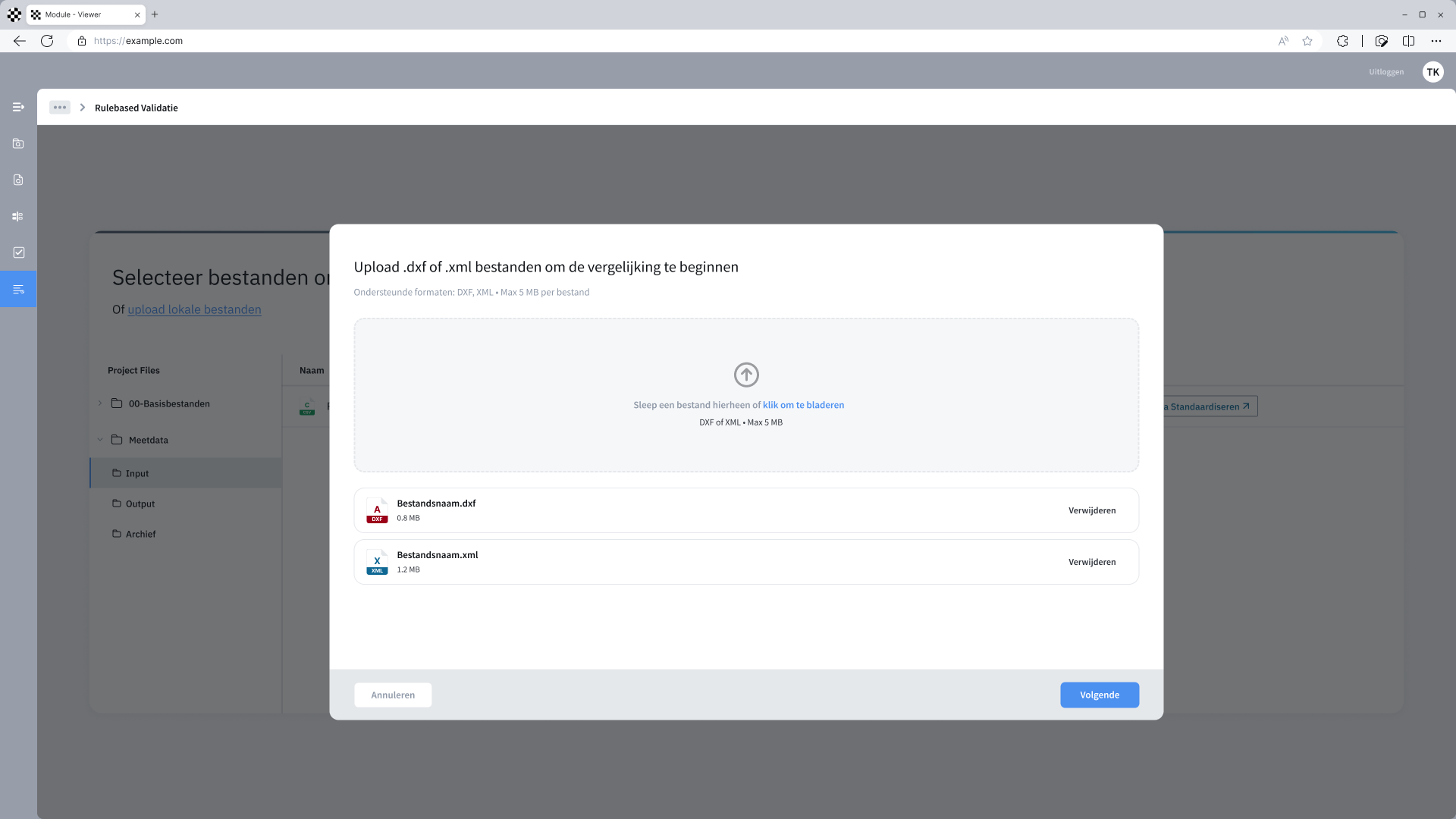
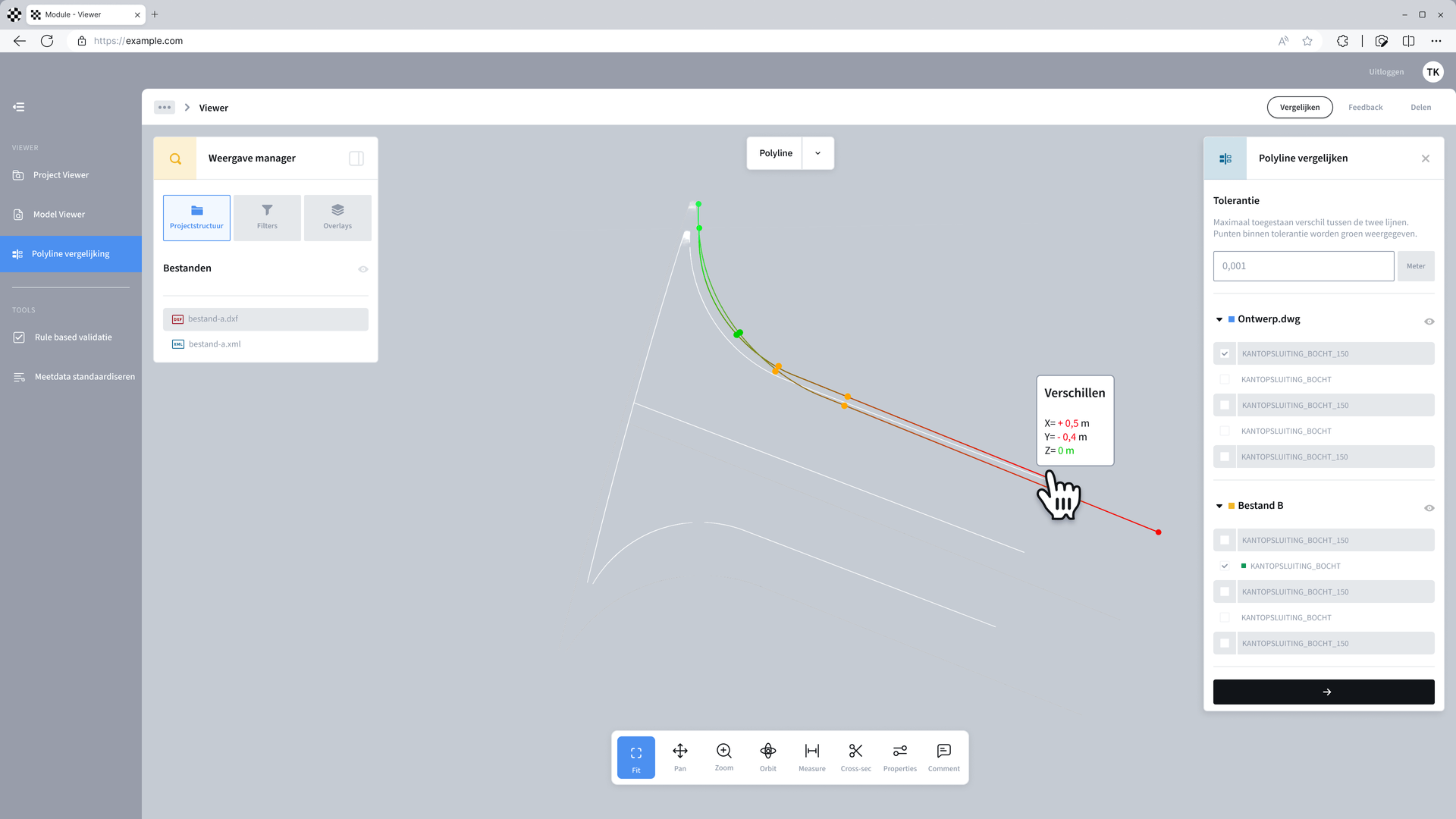
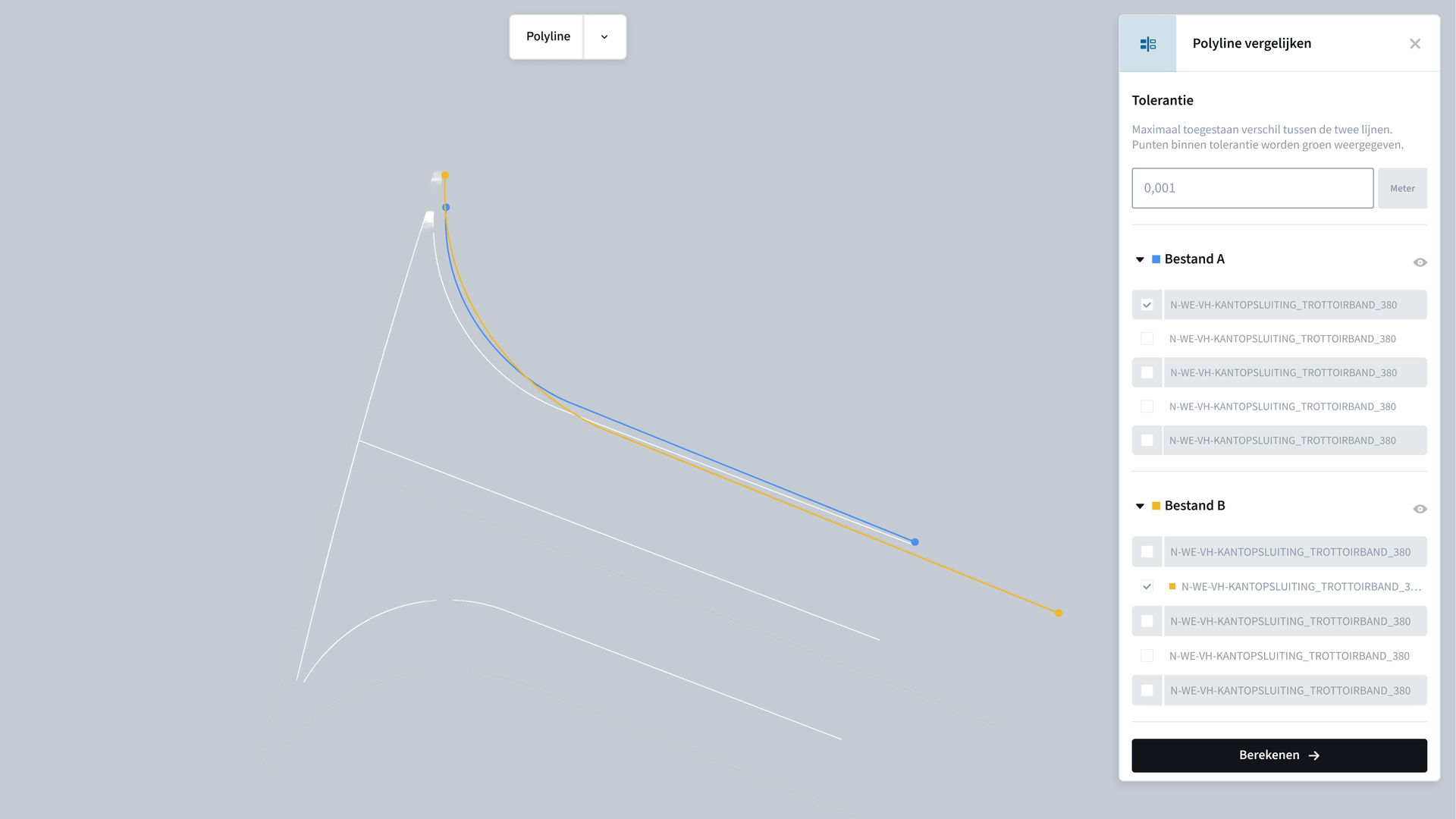
Overview Design vs As-Built Comparison Module
During or after the construction of civil engineering projects, the completed works are surveyed. The resulting data must then be assessed against the original design to determine whether construction remains within the agreed tolerances. Manually comparing design and measurement data is time-consuming and makes it difficult to identify deviations quickly and consistently.
The Design vs As-Built Comparison automates this process by comparing design and As-Built data against predefined tolerances. Deviations outside these tolerances are automatically detected and clearly visualised. This provides an immediate view of where the completed works match the design and where further inspection is required.
- Compares design data (including DXF/DWG model files) with as-built data (for example CSV survey files)
- Validates the as-built situation against predefined tolerances (X, Y and Z values)
- Identifies deviations and visualises them clearly
- Reduces manual comparison and verification work
Curious how this module could work for you? Daan would be happy to explain!

Related Modules
View all modulesView all modules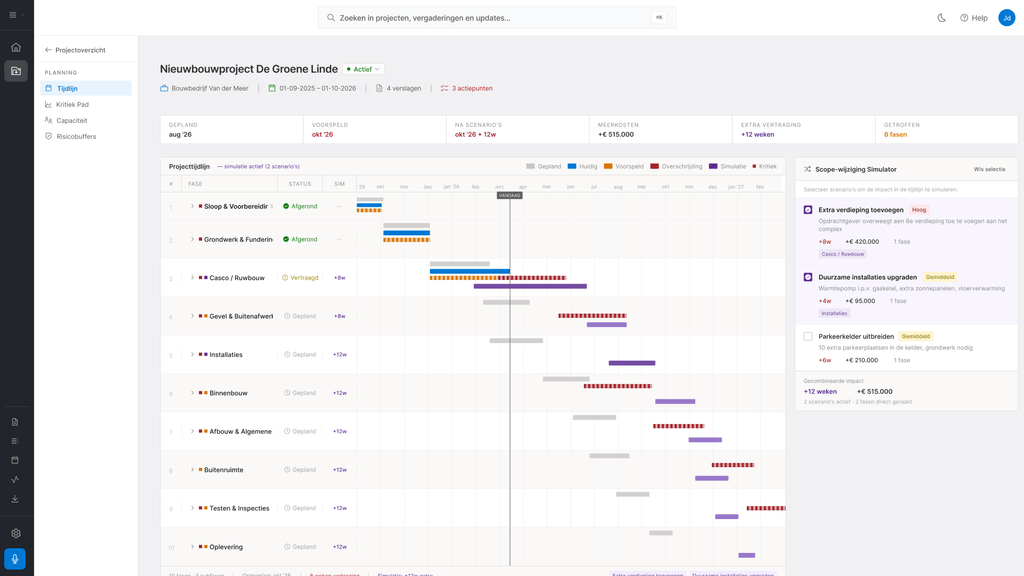
Planning & Recalculation Module
Converts calculations into realistic plans and continuously adapts them to actual project conditions.
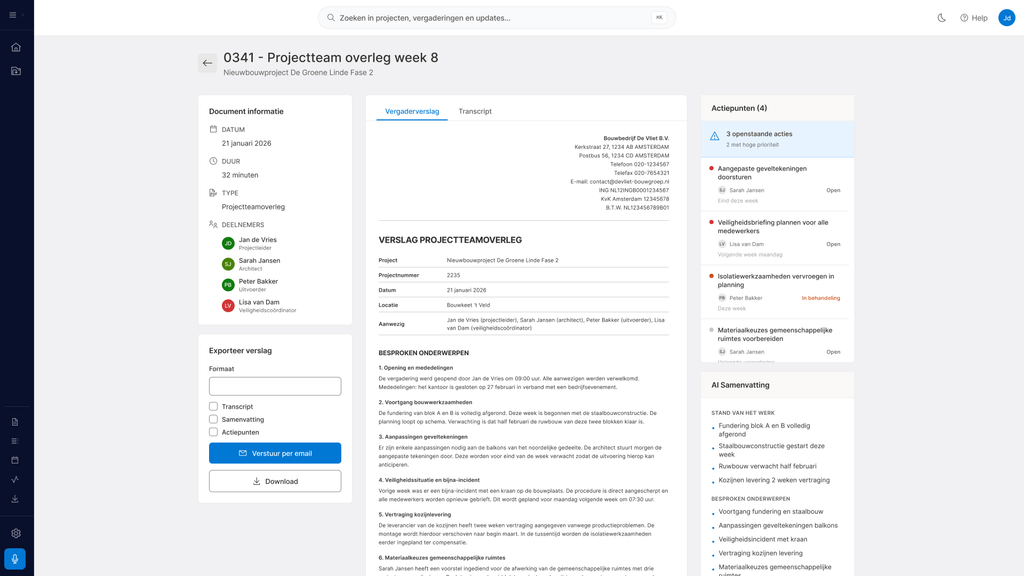
Project Meeting Module
Converts project meetings into structured and legally reliable documentation.

Daily Reporting Module
Automatically captures work activities and converts them into consistent project reports.